
AI Studio Designer
From empty stage to finished set — in one prompt.
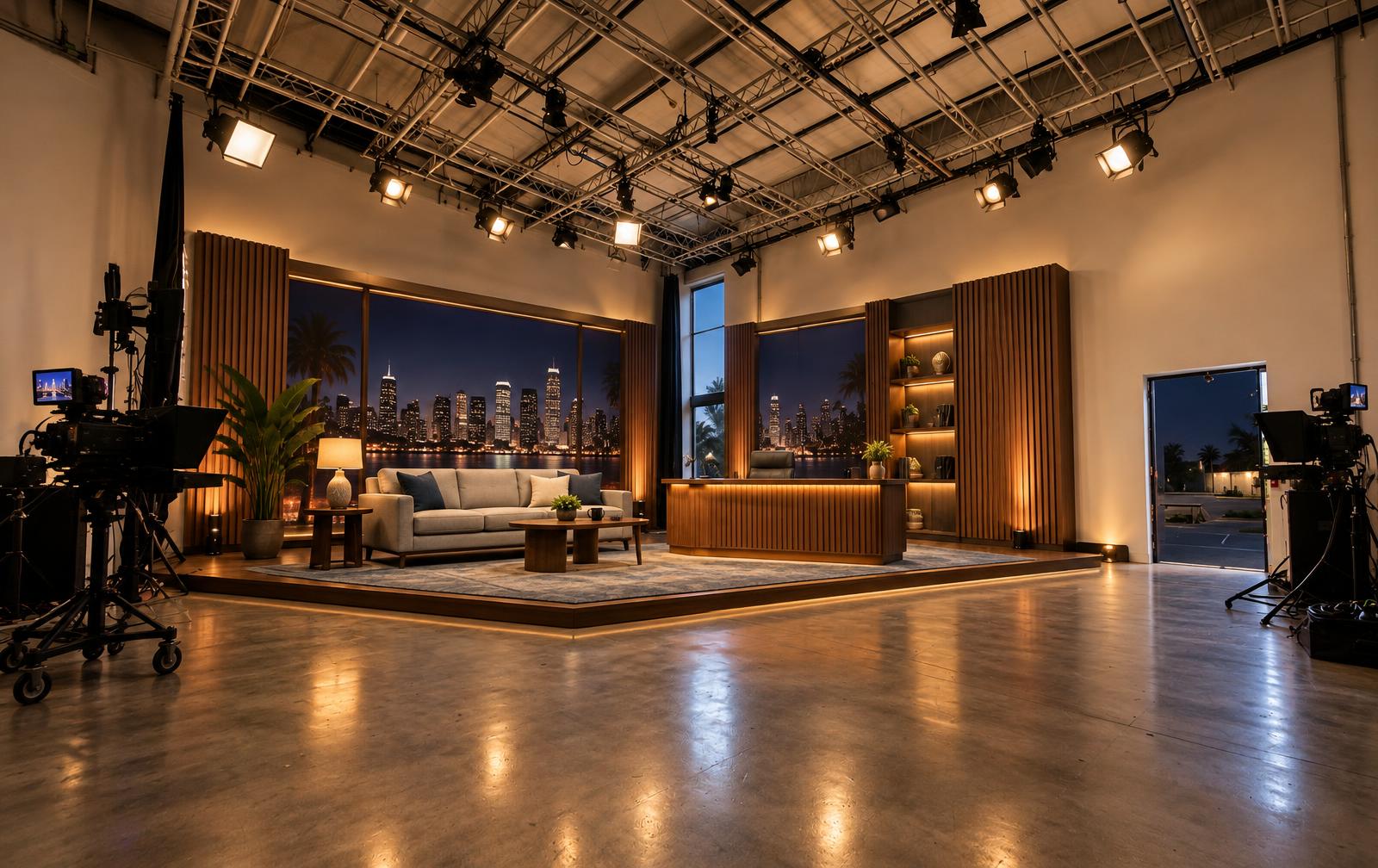
Drag the slider to see our real Studio A transformed into a late-night talk show set.

One stage, any set
Same room. Three completely different shows.
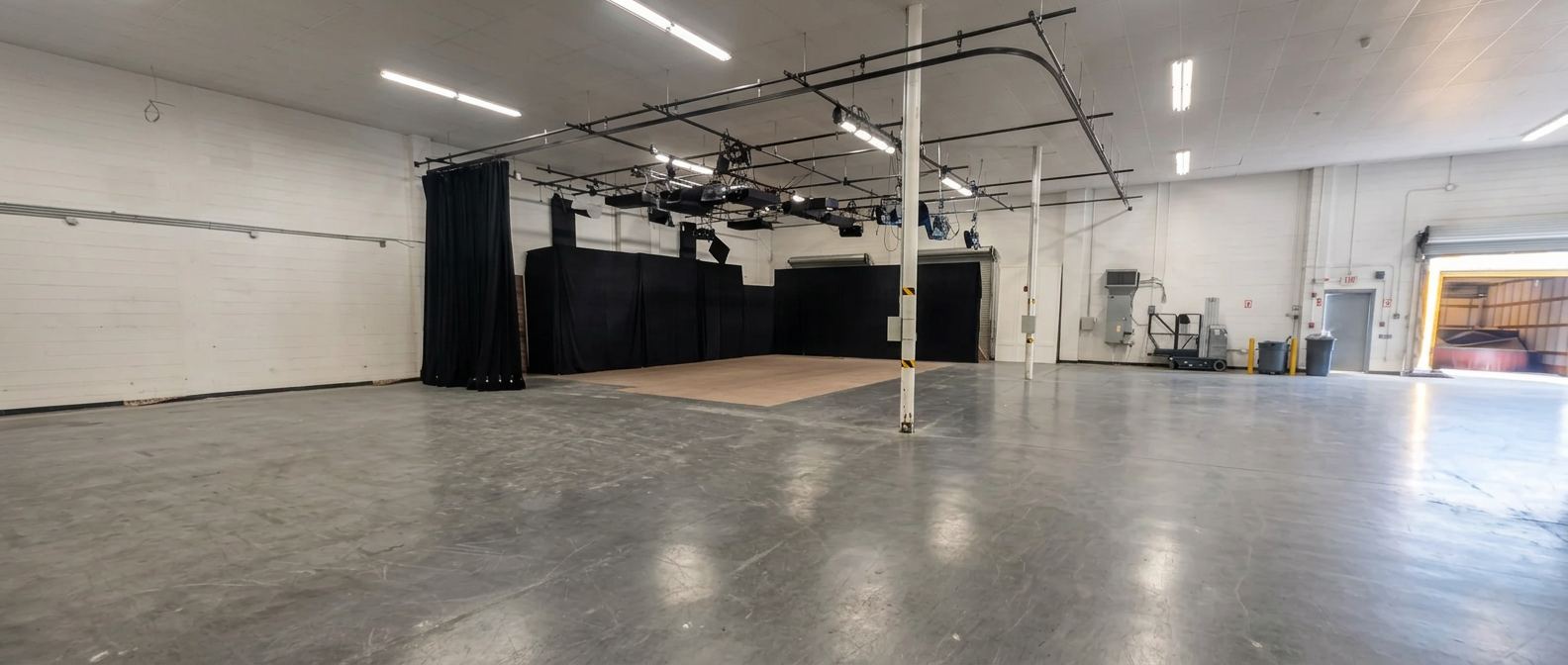
Every example below starts from the same real photo of our Studio G stage. The only thing that changes is the prompt.
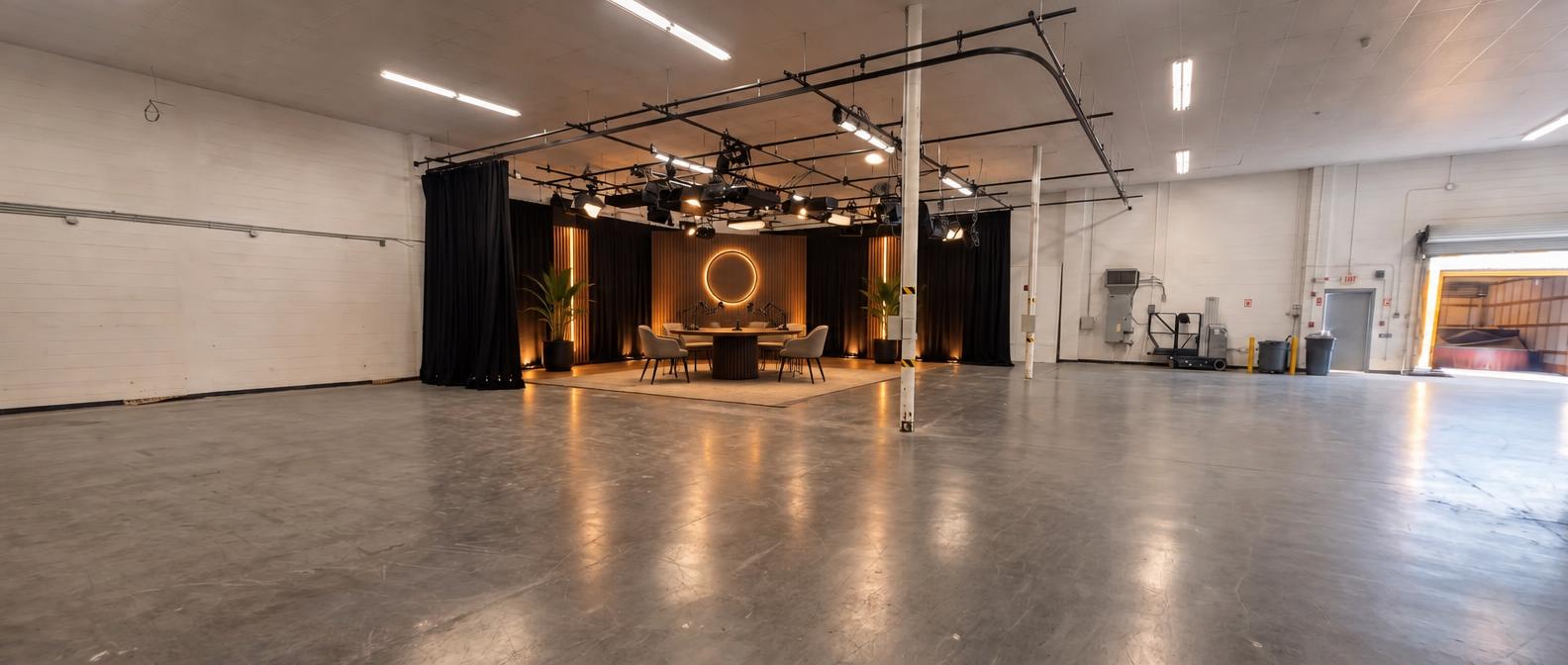
Podcast panel
Four-seat panel show with a branded backdrop and a glowing logo wall.
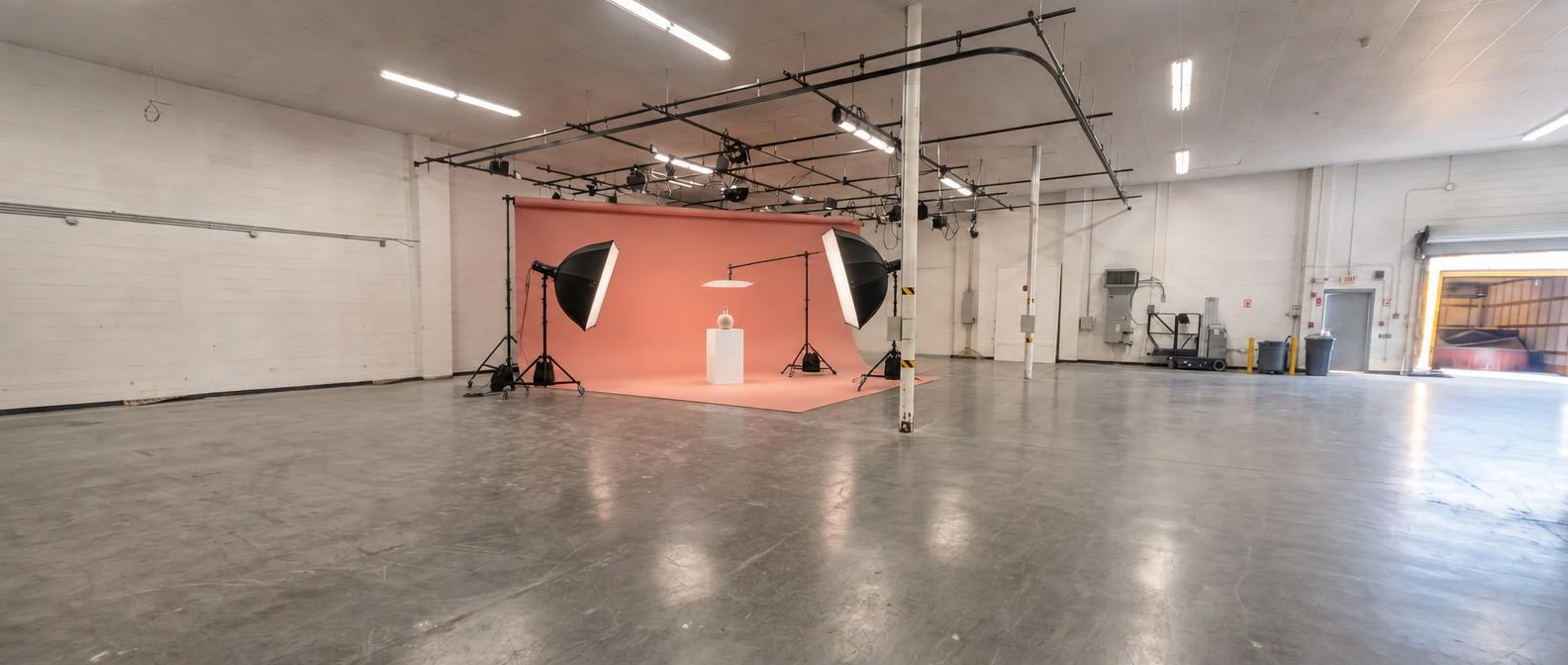
Commercial & product
Seamless color cyc with a centered pedestal, product cart and softboxes.
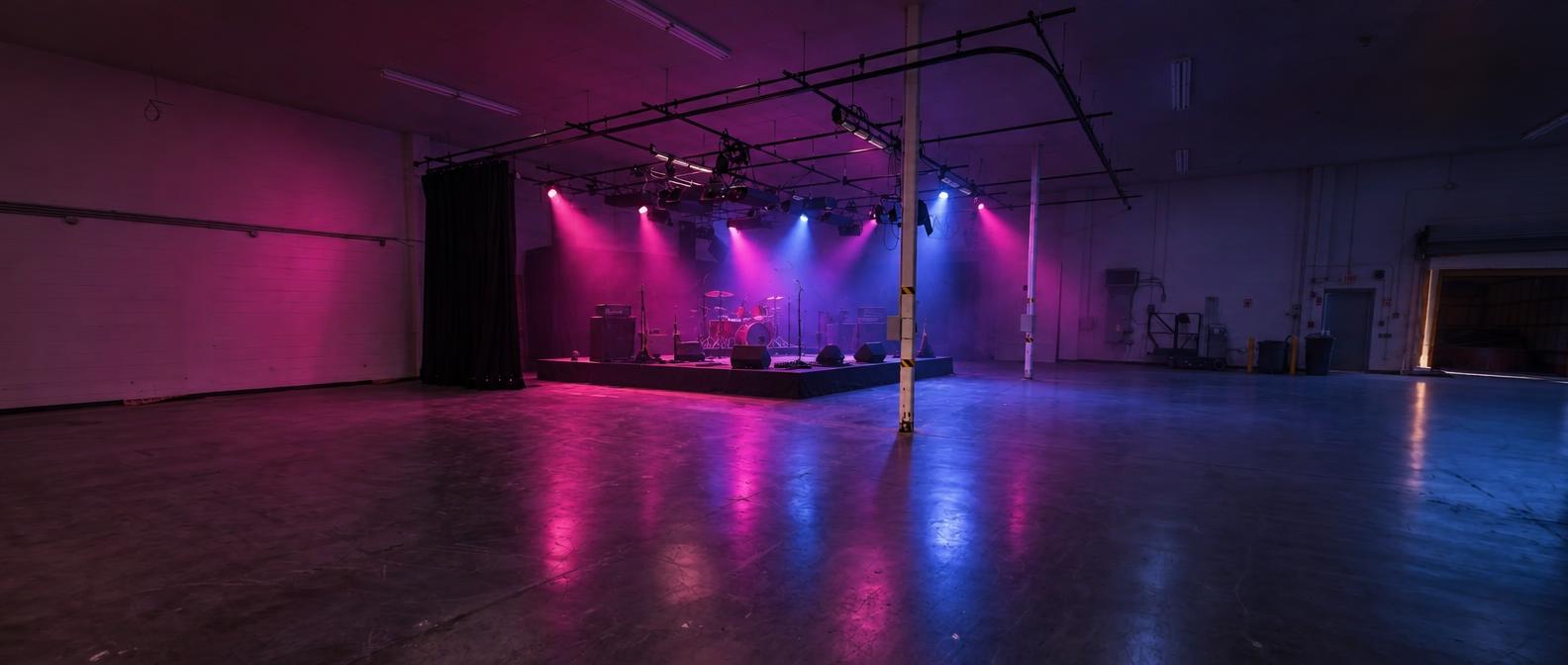
Live performance
Moody concert stage with colored wash lights, haze and a riser.
Snap the empty room
Take or upload a photo of any Shear stage.
Describe your show
Mood, format, guests, brand colors.
Get a photoreal render
An ultra-realistic mockup of your set.
Rent what you see
Matched gear list, ready for a proposal.
Free to use
Design your studio for free.
Create a free Shear account and start designing in minutes. Upload a photo of any stage, describe your show, and get a photoreal set concept with a matching gear list and day-rate estimate.
- Free account, no credit card
- Unlimited set ideas
- Gear list priced from our locker
- Send any concept to a producer
What the AI understands
A design partner that knows our building.
The designer works from real Shear rooms and the gear we actually own — so nothing it shows you is fantasy.
Built on real stages
Starts from a photo of an actual Shear stage, so scale, sightlines and colors are true to life.
Brand-aware
Drop in brand colors, a backdrop sign or product styling and it renders into the scene.
Multiple directions
Run the same room three ways — panel show, commercial, live session — before choosing one.
Gear matched to the scene
Every render comes with a suggested list drawn from the Shear rental catalogue.
Priced as you design
See a gear estimate per day as the concept builds, before you ever commit.
Hands it to the team
Save the concept and our producers can turn it into a proposal or a booked studio day.
Straight to the gear locker
Rent exactly what's in the render.
Suggestions are pulled from our own catalogue — reserve them the same day you design the set.
Made at Shear
Real concepts from our clients
Before and after pairs generated in the designer, with the gear it suggested.
Questions, answered
How the designer works.
What do I need to use it?+
Just a phone photo of the studio — or start from our reference photo — plus a few sentences about the look you want.
Is the render the final set?+
No — it's a concept. It shows how the room can look so you can plan shots and budget before shoot day. Our crew builds and lights the real set.
Does it know Shear's actual studios?+
Yes. Concepts are generated from photos of our real stages, so what you see fits the room you're booking.
Can I rent what it suggests?+
Yes. Suggestions map to items in our rental catalogue — reserve them from your dashboard, or ask Sloane and we'll include them in a proposal.
Who can use the designer?+
Every Shear account holder. Create a free account, open the AI Studio tab and start designing.
AI Studio Designer
See the set before shoot day.
Design it, price the gear, then book the studio — all from one free Shear account.